
No products in the cart.

Need help? Contact our sales specialist
Uncategorized
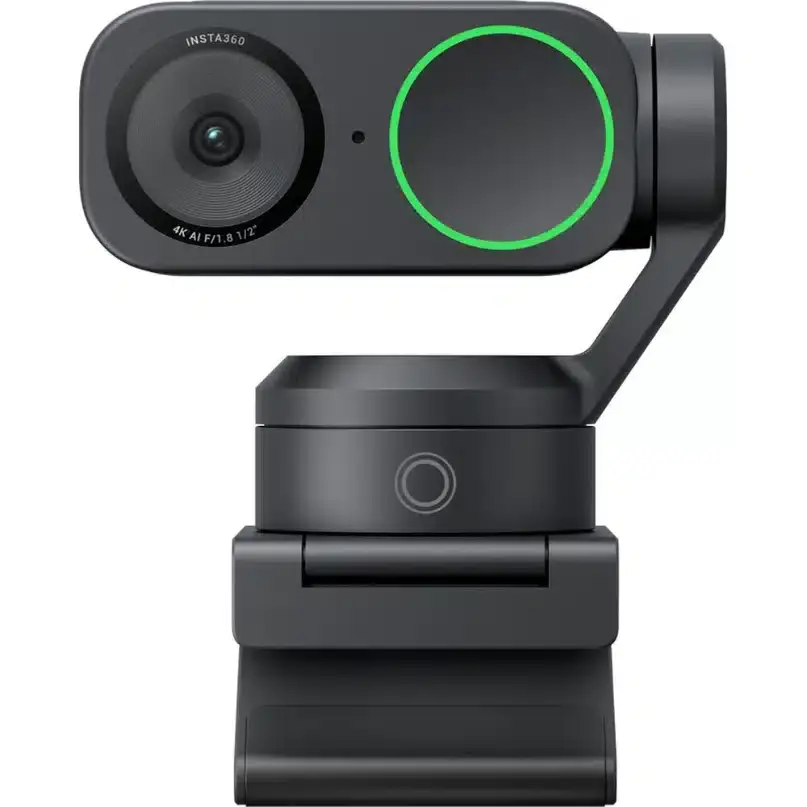
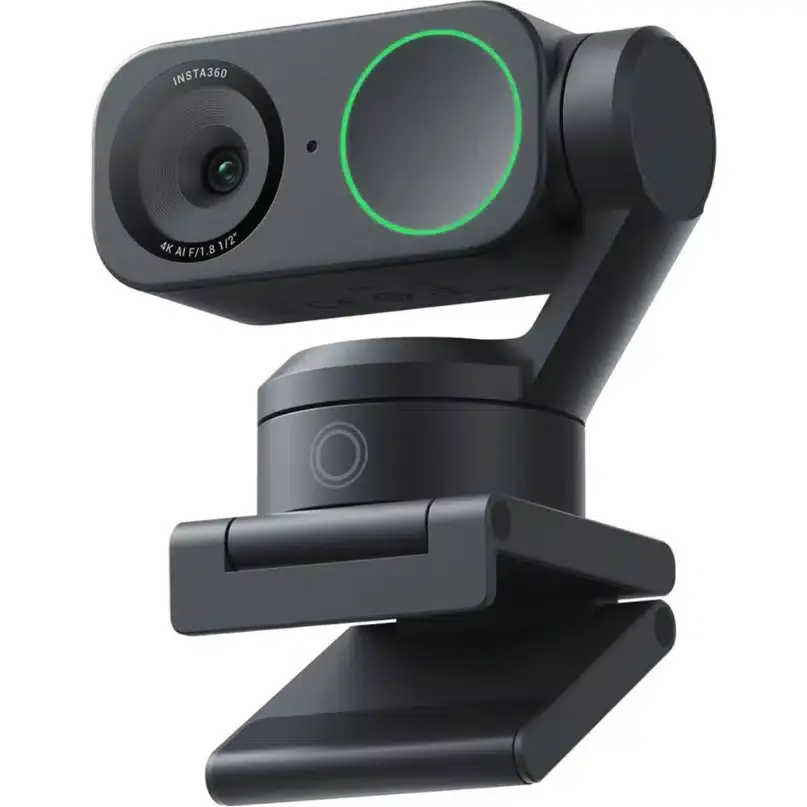
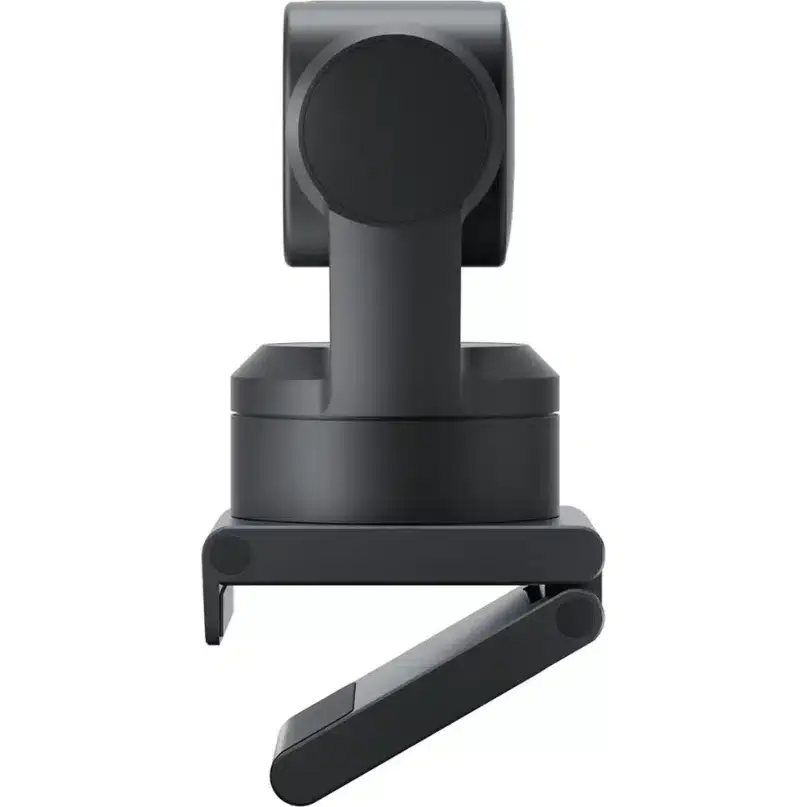
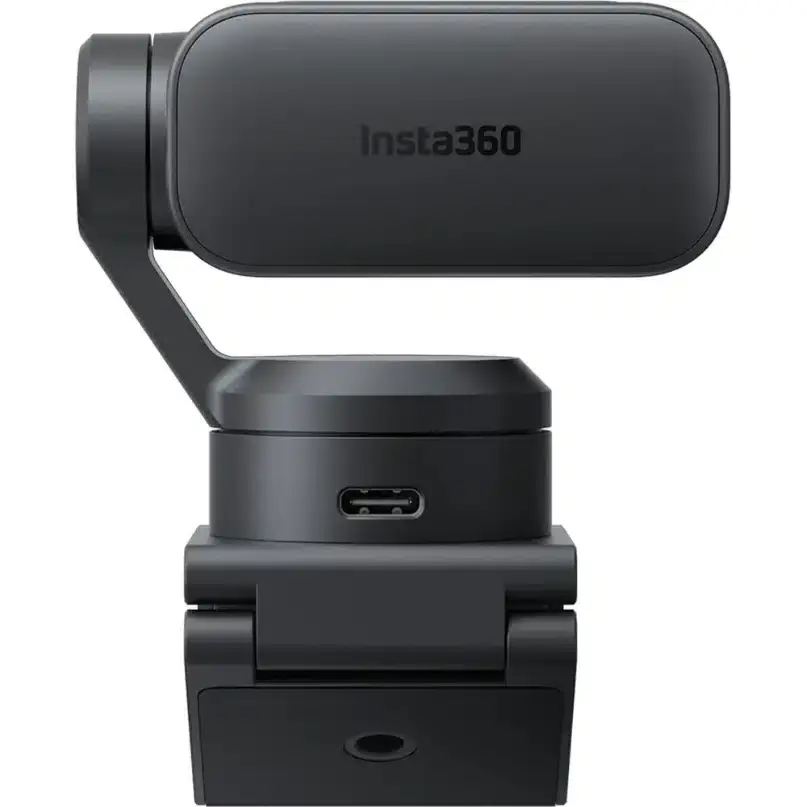
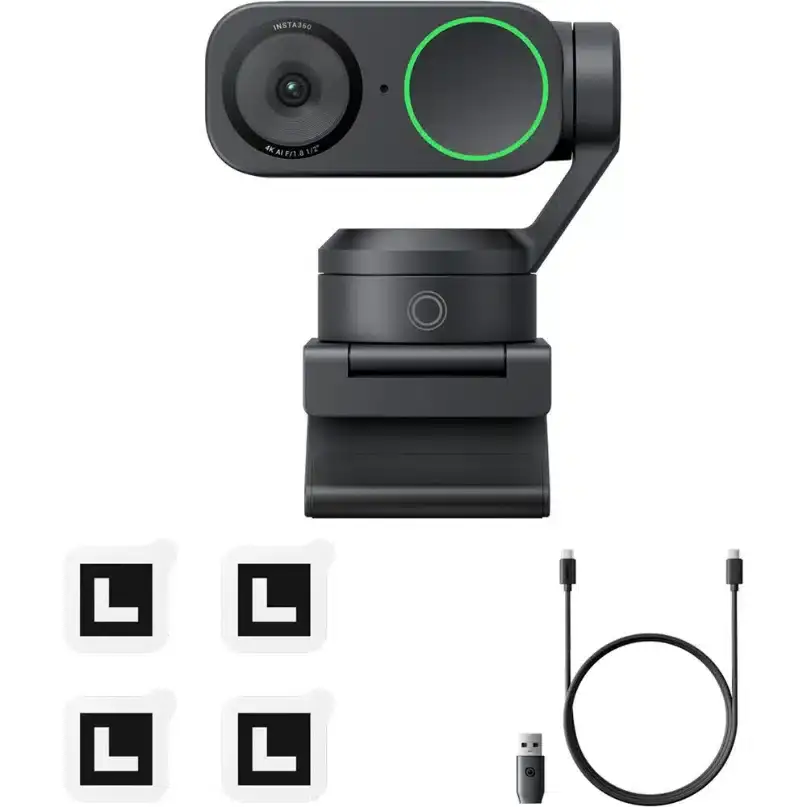
Insta360 Link 2 4K AI Webcam
The Insta360 Link 2 4K AI Webcam upgrades video meetings, family calls, and livestreams with Ultra HD 4K capture up to 3840 × 2160 at 30 fps, plus support for 1080p and 720p up to 60 fps. A large 1/2″ CMOS sensor and advanced HDR help deliver balanced, detailed images in low-light and high-contrast environments.
KEY FEATURES
- Up to UHD 4K Resolution at 30 fps
- 1/2″ CMOS Sensor
- 79.5° Diagonal Field of View
- Auto Focus
- 4x Digital Zoom
- AI Tracking, Smart Whiteboard & DeskView
- HDR Support
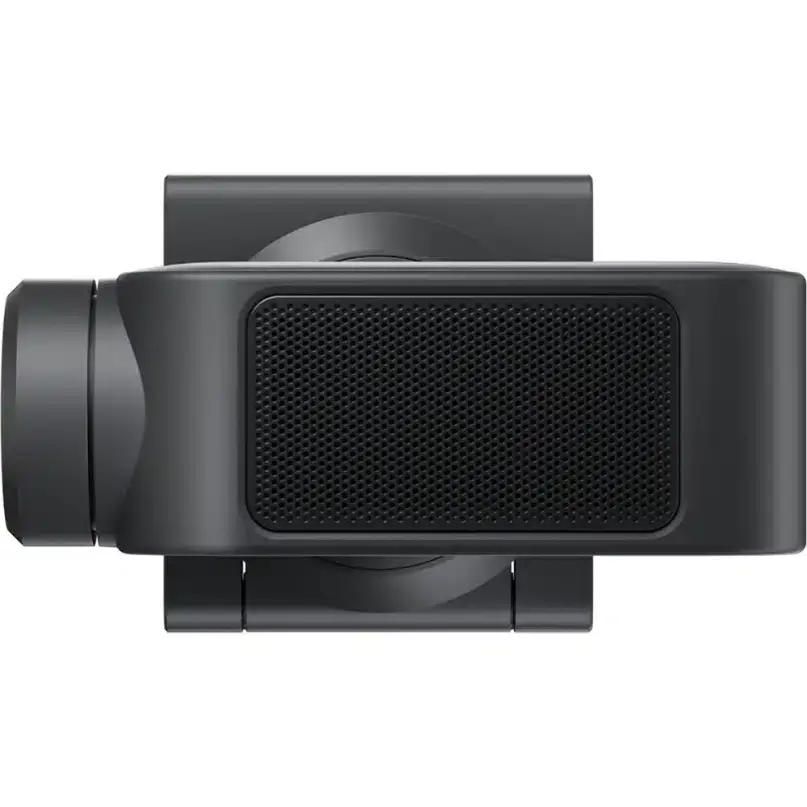
- AI Noise-Canceling Mics
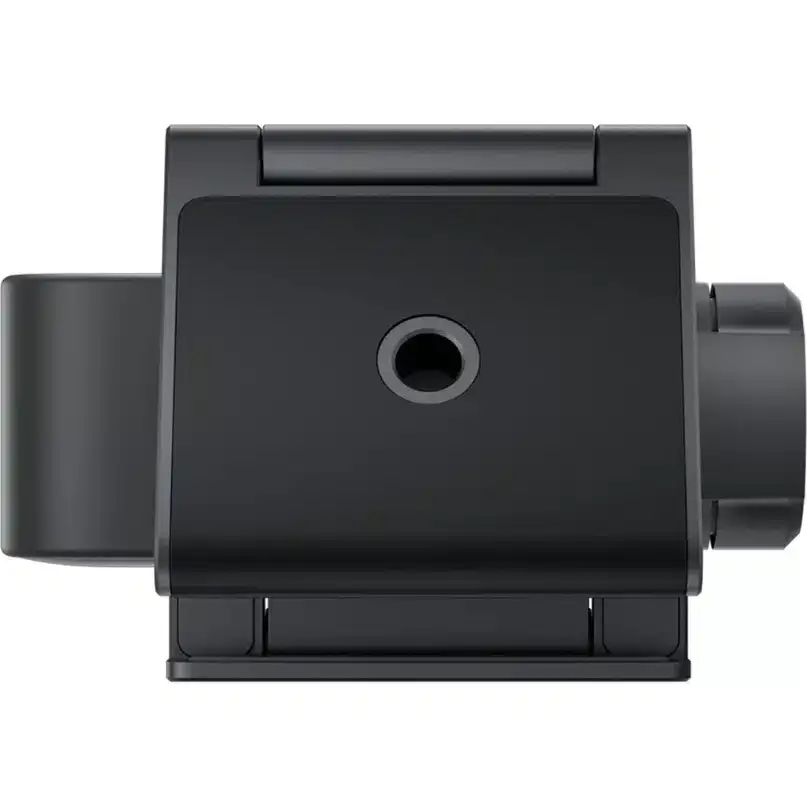
- Integrated 1/4″-20 Threaded Mount
- Windows and Mac Compatible
$406
Link 2 4K AI Webcam from Insta360
The Link 2 4K AI Webcam from Insta360 lets users upgrade the quality of video meetings, family calls, and livestreams. It captures UHD 4K video at resolutions up to 3840 x 2160 at 30 fps using a 480 Mb/s USB-C 2.0 connection, and supports resolutions including 1080p and 720p at up to 60 fps, and 360p at up to 30 fps. To help improve image quality and framing, users will be able to take advantage of a two-axis gimbal that pans and tilts to follow you around the room and also set tracking fences, so the webcam will stop tracking at defined boundaries. Also featured is Whiteboard Mode, which optimizes your whiteboard content to keep it in focus and even square it off, plus DeskView, which tilts the camera down to provide a full view of your desk. Depending on how much privacy you’d like, you’ll have the option to fully blur your background, use natural bokeh, or fully replace the background. In terms of audio, AI noise-cancelation allows for Voice Focus, Voice Suppression, and Music Balance modes.
The webcam also includes a 1/2″ sensor, HDR support for balanced images in both low light and high contrast environments, Phase Detection Auto Focus (PDAF), a 4x digital zoom, and auto focus. Instead of a privacy cover, the Link 2 automatically tilts down after 10 seconds of inactivity. Or, manually tilt the camera down at a time of your choosing. This webcam is compatible with Windows 10 and macOS 10.13 or later. Attachment options include an included magnetic mount with a 1/4″-20 mounting point.
Crystal Clear Video
Look your best in every video meeting, family call, or livestream, thanks to Ultra HD 4K resolution.
Capture Every Detail
Powered by a 1/2″ sensor, the Link 2 captures more light and detail for lifelike images.
Well Suited for Any Light
With a large 1/2″ sensor and advanced HDR technology, the Link 2 delivers balanced images in both low-light and high-contrast environments.
Stay Sharp, Stay Focused
Keep your audience engaged with faster, more accurate Phase Detection Auto Focus (PDAF). Instead of blurry shots, you’ll have fast focusing and crisp video.
Get a Professional Look
Replicates a DSLR-like depth of field for full background blur, or a more realistic and natural bokeh effect, straight from Link Controller.
Loud and Clear
Communicate with confidence, as advanced AI audio algorithms provide clear audio straight from the webcam, with no other equipment needed.
Distraction Free
Intelligent AI noise-canceling technology filters out unwanted background noise for clear communication, even in busy environments.
Tune Into Your Surroundings
Voice Focus is great for when you’re alone, Voice Suppression is ideal for busy environments, and Music Balance balances your voice with external background music.
Move Freely, Stay In Frame
The two-axis gimbal physically pans and tilts to follow your movements around the room, keeping everyone in frame.
Control Your Environment
Define your presentation space with customizable tracking fences. Set boundaries where the webcam will stop tracking for full flexibility.
Effortless Control from a Distance
Stay in position and keep presenting. Use simple hand gestures to control the webcam and activate AI tracking, zoom in or out, and enable Whiteboard Mode.
Present with Confidence
Use Link Controller and configure your whiteboard to perfection. Ensure your online classes, brainstorms, or presentations are crystal clear.
Simply Clearer Presentations
Insta360’s advanced AI optimizes your whiteboard content, keeping it in focus and even squaring it off for maximum visibility.
Get Hands-On in a Snap
The Link 2 automatically tilts down to capture a top-down look at your desk, which is great for showing your sketches, concepts, and more.
Social Media Ready
No crop needed! Use a tripod to capture clear 4K vertical content. Rotate the webcam and you’re shooting in 9:16.
Complete Protection
Privacy whenever you need it. The Link 2 automatically tilts down after 10 seconds of inactivity, or you can manually adjust it.
Background Blur
Effortless privacy that your viewers will barely notice.
Background Replacer
Use your own custom images or Insta360’s selection.
Express Yourself
A whole range of customizable filters and presets let you adjust your look in just a few clicks, from subtle tweaks to dramatic effects.
Right At Your Fingertips
Control the Link 2 entirely from your phone. Adjust settings, change modes, and fine tune your look, all in the palm of your hand.
| Weight | 435 g |
|---|---|
| Dimensions | 170 × 111.76 × 66 mm |
Sensor
| Resolution and Frame Rate | UHD 4K at up to 30 fps 1080p at up to 60 fps 720p at up to 60 fps |
| Image Sensor | 1/2″-Type CMOS |
| Sensor Resolution | 8 MP |
| Field of View | Diagonal: 79.5° Horizontal: 67° |
| Zoom | 4x (Digital) |
General
| System Connection | USB-C 2.0 |
| Focus Type | Auto |
| Bluetooth | No |
| Wi-Fi | No |
| Power Source | Bus Powered |
| Low-Light Correction | Yes |
| OS Compatibility | Windows 10 or Later / macOS 10.13 or Later |
Microphone
| Microphone | Yes |
| Microphone Features | Noise Cancellation |
Physical
| Privacy Shutter | No |
| Attachment Method | Clip |
| Operating Conditions | 32 to 104°F / 0 to 40°C |
| Housing Material | Plastic |
| Dimensions (W x H x D) | 2.8 x 2.3 x 1.5″ / 71.3 x 58.9 x 38.0 mm |
| Weight | 3.6 oz / 102 g 5.9 oz / 167 g (Including Mount) |
Only logged in customers who have purchased this product may leave a review.
Related Products
- Uncategorized
Definitive Technology Dymension DC-65 PRO SI
The DC-65 PRO SI stereo-input ceiling speaker delivers clear, consistent sound in small-spaces in both home and light commercial applications, with features like dual pivoting tweeters, discreet design, and IP55-rated weather protection.
KEY FEATURES
- 6.5″ Mineral-Filled Woofer
- Dual 0.75″ Pivoting Aluminum Oxide Dome Tweeters
- Toolless Installation
- Flush, Border-Free Design
- IP55-Rated
- Dual (stereo) inputs
SKU: DC65SI - Uncategorized
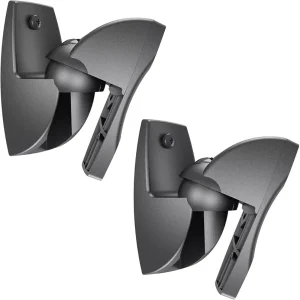
Vogel’s VLB 500 Universal Speaker Wall Bracket Set Swivel and Tilt
The VLB 500 loudspeaker wall mount is for surround and hi-fi speakers weighing up to 5kg/11 lbs. This universal wall support features a tilt and turn function to guarantee an optimal listening position. Installation is easy, and all mounting hardware is included.
- For surround speakers and smaller hi-fi speakers
- Create the best listening position
SKU: n/a - Uncategorized
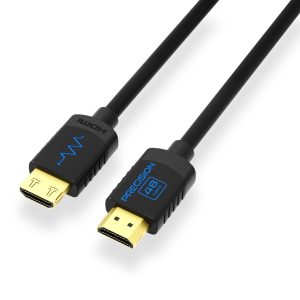
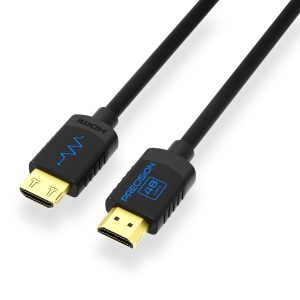
Blustream HDMI48G-1
Blustream HDMI48G-1 is a premium 1-meter Ultra High Speed HDMI 2.1 cable designed to deliver top-tier audio-visual performance. With a bandwidth of 48Gbps, it supports resolutions up to 8K at 60Hz and 4K at 120Hz, ensuring smooth and detailed visuals. The cable features dynamic HDR for enhanced color depth (10-bit, 12-bit, and 16-bit), providing vibrant colors, rich contrast, and stunning brightness. It also supports eARC (enhanced Audio Return Channel), allowing for high-quality audio transmission, including formats like Dolby Atmos and DTS-HD Master Audio. For secure connections, the HDMI48G-1 is equipped with gold-plated locking tabs.
SKU: HDMI48G-1
Reviews
There are no reviews yet